A research library is useful when it helps you answer a question, not when it collects the largest number of links. Start with one topic, a small set of dependable sources, and a place to keep the posts you might actually cite. In Repurai, Spaces let you group sources around a topic, client, or project so that unrelated reading does not interrupt the work in front of you.
Start with the question your research must answer
Before adding a source, write down your next assignment. “Understand AI” is too broad. “Explain what changed in AI coding tools for a weekly developer newsletter” gives you a reason to include some sources and leave others out. Name the Space after that assignment or subject, using words you will recognize a month later.
If you work for several clients, use a separate Space for each client or research brief. This keeps your own technology reading from appearing beside a client's hospitality coverage. You can change the organization later; the first structure only needs to make today's research easier.
Choose sources that contribute different kinds of evidence
Begin with a few sources you already trust. For a software topic, that might mean a company engineering blog, an independent practitioner, and a channel that demonstrates the tools. Three sources with different perspectives are often more useful than ten publications repeating the same announcement.
Evaluate a source by asking whether it publishes relevant material regularly, explains where its information comes from, and offers something you cannot get from the other sources. A primary announcement tells you what a company says it shipped. A practical walkthrough helps you understand what someone can do with it. Keep that distinction when taking notes.
Add the sources and check the resulting feed
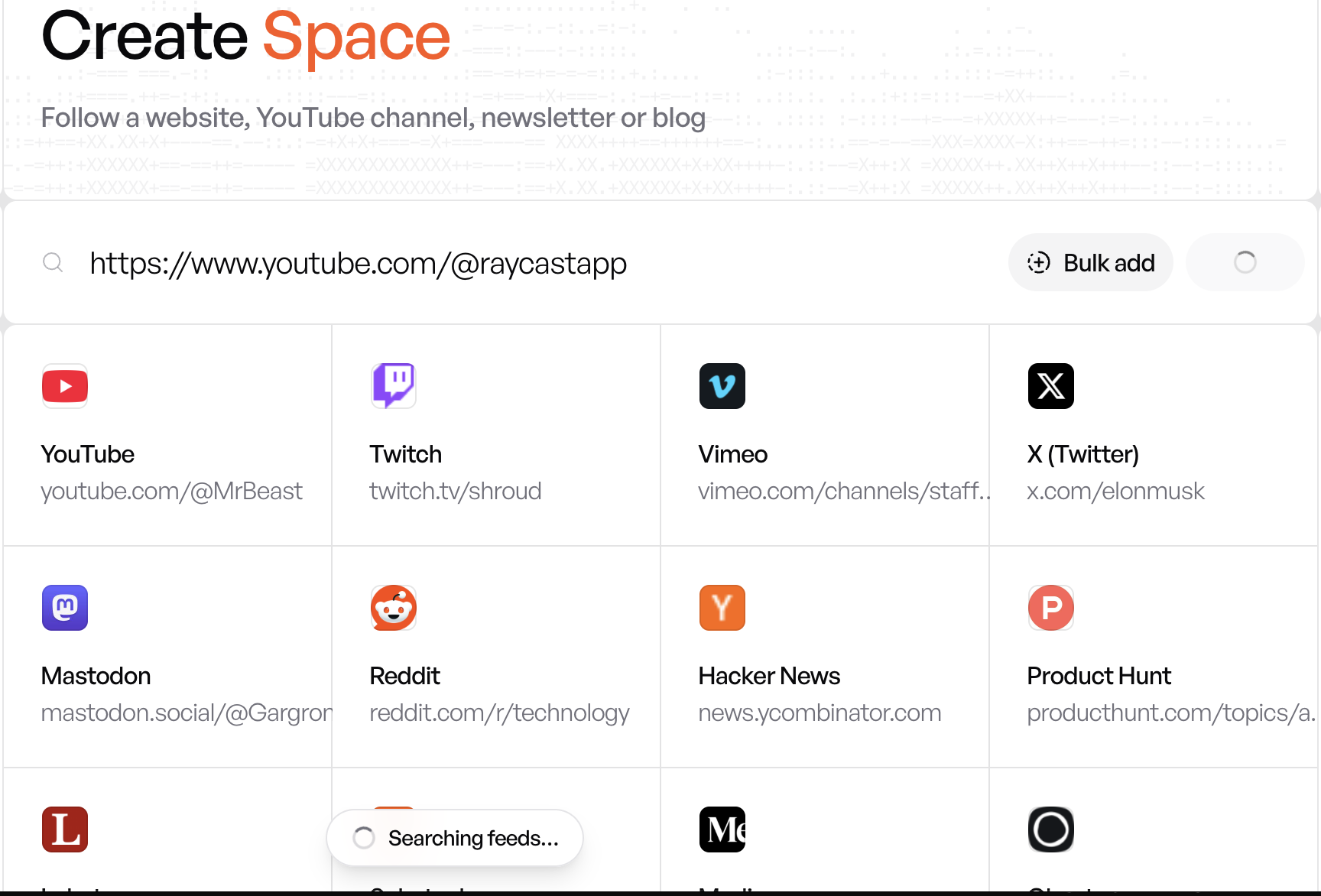
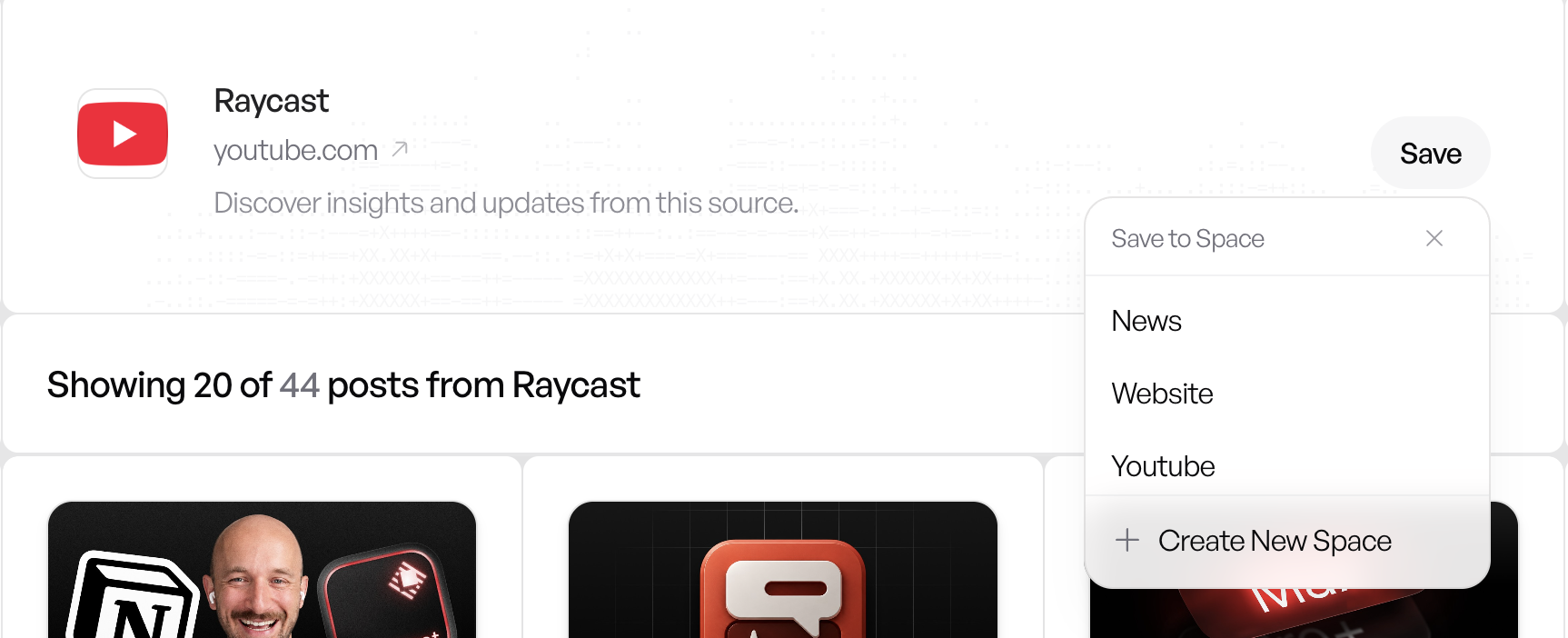
Open Repurai's source discovery screen and paste a supported publication or channel URL, or search for the source. Inspect the discovered result before saving it. Make sure you are following the intended publication rather than a similarly named account, and place it in your topic Space.
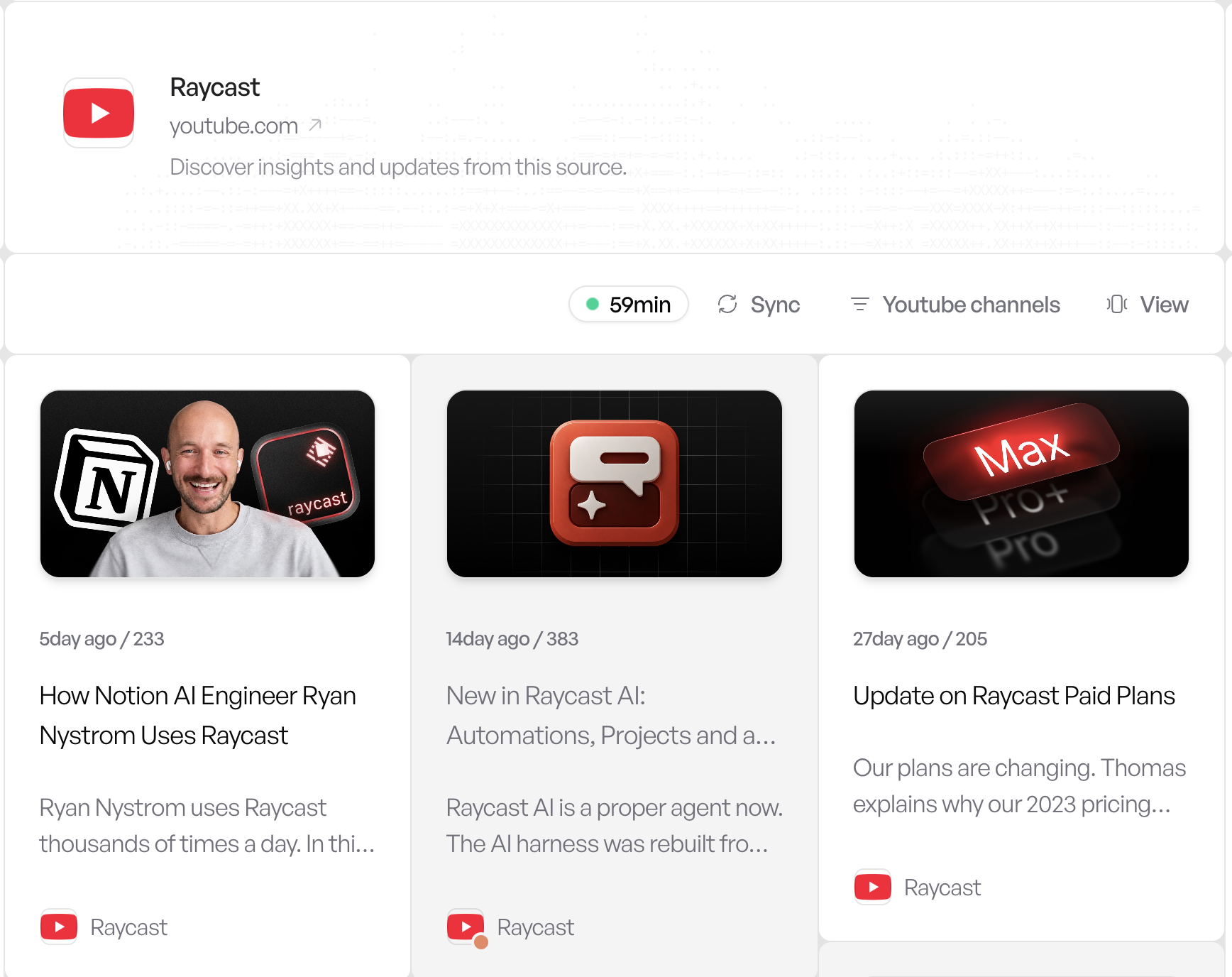
Open the saved source and look at the recent posts. If the content is unrelated to your brief, remove it or move it elsewhere. Source discovery depends on the publication exposing supported content; following a source does not unlock paid articles or make every website available.
Use summaries for triage and save the evidence
Scan the relevant posts and use summaries to decide which deserve closer reading. Open the original before relying on a specific claim. Save posts that support your assignment, rather than saving everything that sounds interesting. A saved item should have a purpose: a useful example, a contrasting argument, or evidence for a question you plan to answer.
For the developer newsletter example, your reading session might produce one release announcement, one hands-on example, and one limitation worth explaining. That is already a workable research pack. It is more actionable than a folder of twenty links with no clear connection to the issue.
Keep the Space useful over time
Review the source list when your assignment changes. Move unrelated sources out, retire feeds that mostly repeat other publications, and add a new source only when it fills a gap. Avoid treating organization as a task you must perfect before writing: the goal is to retrieve useful evidence when you need it.