If you want to know how to build an AI news digest with n8n, the shortest answer is: collect today's new posts, summarize them with an LLM, then send the result to Slack or email on a schedule. You can do that the fully DIY way from each source's feed, or you can let Repurai do the source merging first and call its API for today's posts and AI summaries.
The DIY route gives you full control. The Repurai route is shorter when you already follow your sources there and want one place to pull from.
Pick the right workflow
Both approaches end with the same outcome: a daily AI news summary sent somewhere you will actually read it.
| Option | Best for | What you build | Trade-off |
|---|---|---|---|
| DIY with source feeds | You want everything inside n8n | Read updates from each site, merge, summarize, send | More setup and more points of failure |
| Repurai API | You already track sources in Repurai | Fetch today's merged posts, summarize, send | Needs a Repurai API key on Starter plan and above |
A feed is a machine-readable list of new posts from a site or channel. In n8n, that usually means an RSS Read node or an HTTP Request node, depending on the source.
What you need
- An n8n instance with a schedule trigger
- A destination such as Slack or email
- An LLM step for summarizing
- Your list of AI news sources
- For the shorter method, a Repurai account with your sources added and an API key
If you still need feed links for some websites or channels, the free RSS Feed Finder and YouTube Channel Feed Finder can help.
Method 1: Build it the DIY way in n8n
This method reads updates directly from the websites, channels, newsletters or communities you follow.
Workflow as a numbered node list
-
Schedule Trigger
Run once each morning in your timezone. -
RSS Read or HTTP Request: Source 1
Fetch the latest items from the first source. -
RSS Read or HTTP Request: Source 2
Fetch the latest items from the second source. -
Repeat for each source
Add one node per source, or loop through a list of feed URLs if you prefer a more compact workflow. -
Merge
Combine the items from all sources into one list. -
Filter
Keep only posts published in the last 24 hours, or since the previous run. -
Remove duplicates
Deduplicate by link or title so the same story does not appear twice. -
Sort
Order by published date, newest first. -
Limit
Keep the top 10 to 20 items so the digest stays readable. -
LLM summarization step
Pass the titles, links, source names and short excerpts into an LLM node or an HTTP call to your chosen model provider. Ask for a compact daily briefing with one bullet per story and a one-paragraph overview. -
Slack or Email
Send the formatted digest to a channel, DM or inbox. -
Optional data store
Save item IDs or URLs you already sent, so the next run only includes new items.
A prompt you can copy for the DIY summary step
Illustrative prompt
You are writing a daily AI news summary.

Summarize the items below into:
1. A 2 to 4 sentence overview of what changed today
2. 5 to 10 bullet points
3. For each bullet: headline, why it matters in one sentence, and the source name
4. End with a short "Worth watching" line if one topic appears across multiple sources

Rules:
- Use only the supplied items
- If two items cover the same announcement, merge them into one bullet
- Keep it factual and concise
- Do not invent details not present in the items

Items:
{{your merged items here}}
Example message output
Illustrative Slack message
Daily AI news summary

Today was heavy on model launches, developer tooling and enterprise rollout news. The main pattern was vendors shipping small practical improvements rather than one single huge release.

• New coding model update from Source A: improves edit reliability and tool use. Why it matters: this looks aimed at day-to-day developer workflows rather than benchmarks.
• Open-source release from Source B: a smaller model now runs locally with fewer trade-offs. Why it matters: more teams can test AI features without hosted inference.
• Research paper from Source C: new retrieval method cuts latency. Why it matters: faster answers make AI products feel more usable.
• Video from Source D: walkthrough of a new agent workflow. Why it matters: useful if you operate internal automations.

Worth watching: several sources pointed to better tooling around reliability, not just bigger models.
Method 2: Build it faster with Repurai and n8n
This is the shorter way if Repurai already holds the sources you follow. Repurai checks the sources you follow about every hour, and its Today view is based on your timezone. Instead of reading dozens of source feeds inside n8n, you can fetch today's merged posts from one endpoint.
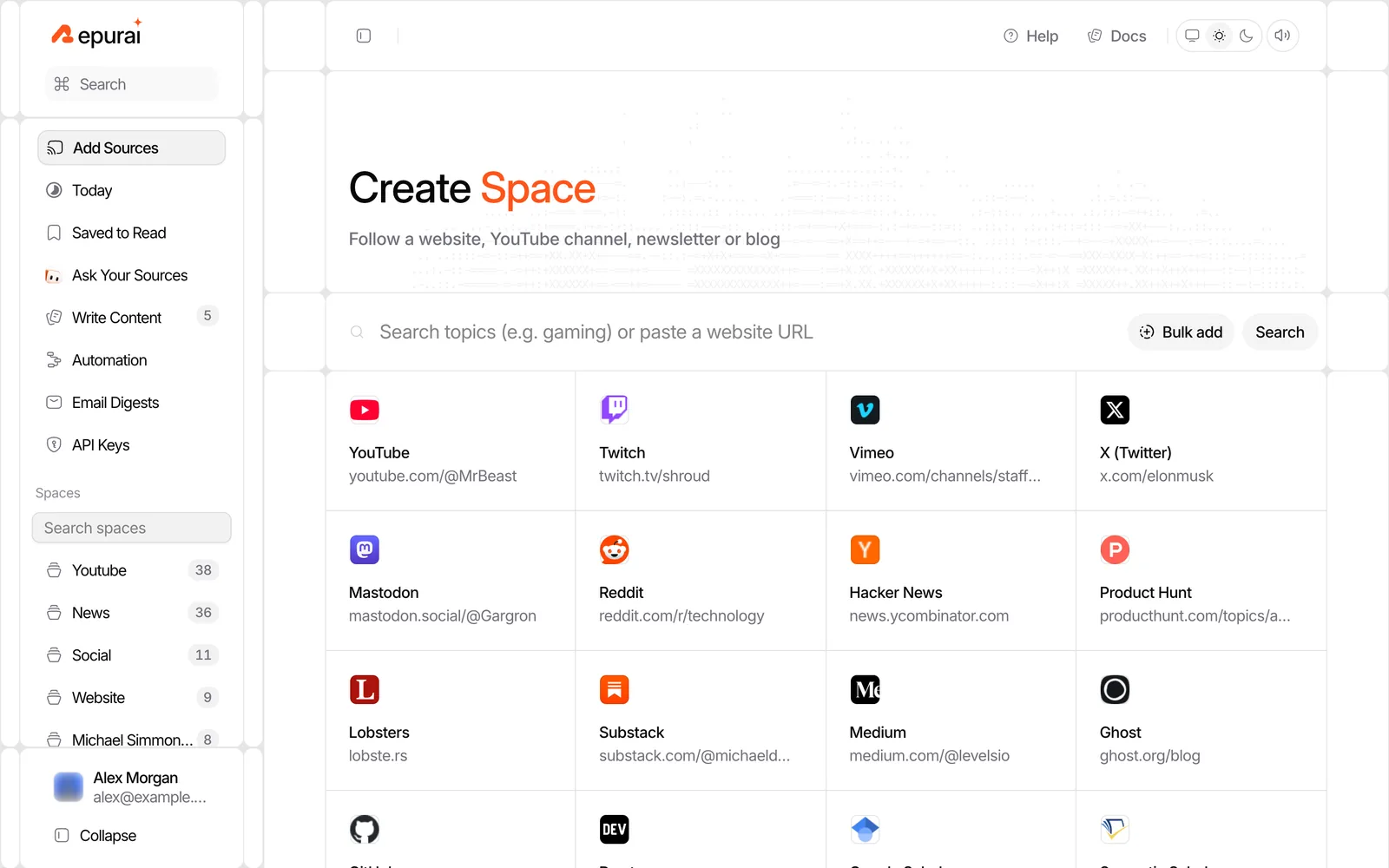
First, add your sources in Repurai. You can paste a website or channel link, search by topic, or bulk-import your list of sources from another reader. Group them in a Space if you want your digest to cover only one topic, client or project.
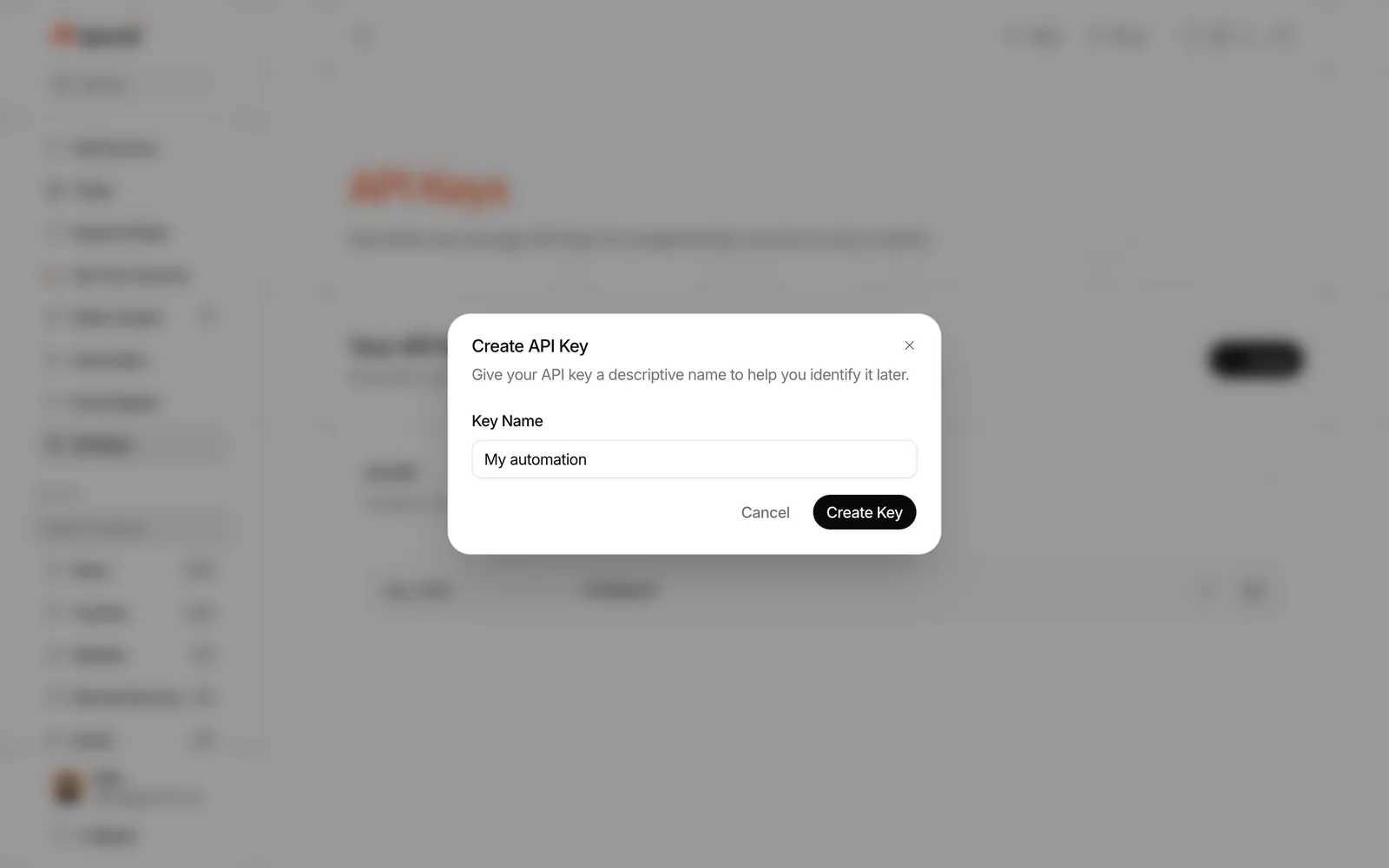
Then create an API key in Repurai's Developers area.
Workflow as a numbered node list
-
Schedule Trigger
Run every morning, for example at 8:00 in your timezone. -
HTTP Request: Get today's posts from Repurai
Call:GET /api/v1/posts/todayUse your Repurai API key as a bearer token.
This endpoint returns the posts published today in your timezone from the sources you follow.
-
Optional Filter node
Narrow the list if needed, for example by source name, keyword, or only items from one workflow input. -
Prepare text for summarization
Build one text block from the returned posts, including title, source and link for each item. -
HTTP Request: Ask Repurai to summarize
Call:POST /api/v1/ai/summarizeUse the same bearer token. Pass the post content you want summarized in the request body according to the AI API docs.
A practical pattern is:
- summarize each long item first, then
- create a final digest from those shorter summaries in your LLM step
Or, for a simpler first version:
- skip per-item summaries
- send titles, source names and snippets from
/api/v1/posts/todayto one summarization step
-
Format the digest
Turn the result into Slack markdown or a plain email. -
Slack or Email node
Send the message. -
Optional branch: save strong items
If one story deserves a closer read later, save its link in your own system or send it to another channel.
Example request pattern
Illustrative request headers
Authorization: Bearer YOUR_REPURAI_API_KEY
Content-Type: application/json
Illustrative first call
GET https://repurai.com/api/v1/posts/today
Illustrative second call
POST https://repurai.com/api/v1/ai/summarize
Check the exact request and response shape in the docs at /docs and the quickstart pages, because fields can change and you should map them from the current API rather than guess.
Why this version is shorter
Repurai already does the repetitive part:
- following many kinds of public sources in one place
- checking them about every hour
- merging them into your reading view
- returning today's posts in your timezone
That means your n8n flow can focus on delivery and formatting instead of source collection.
Do it with Repurai
A simple setup inside Repurai before you touch n8n:
- Create a Space such as "AI News".
- Add the blogs, YouTube channels, newsletters, subreddits, Hacker News searches, GitHub releases, Google Scholar alerts or arXiv sources you want to monitor, as available publicly.
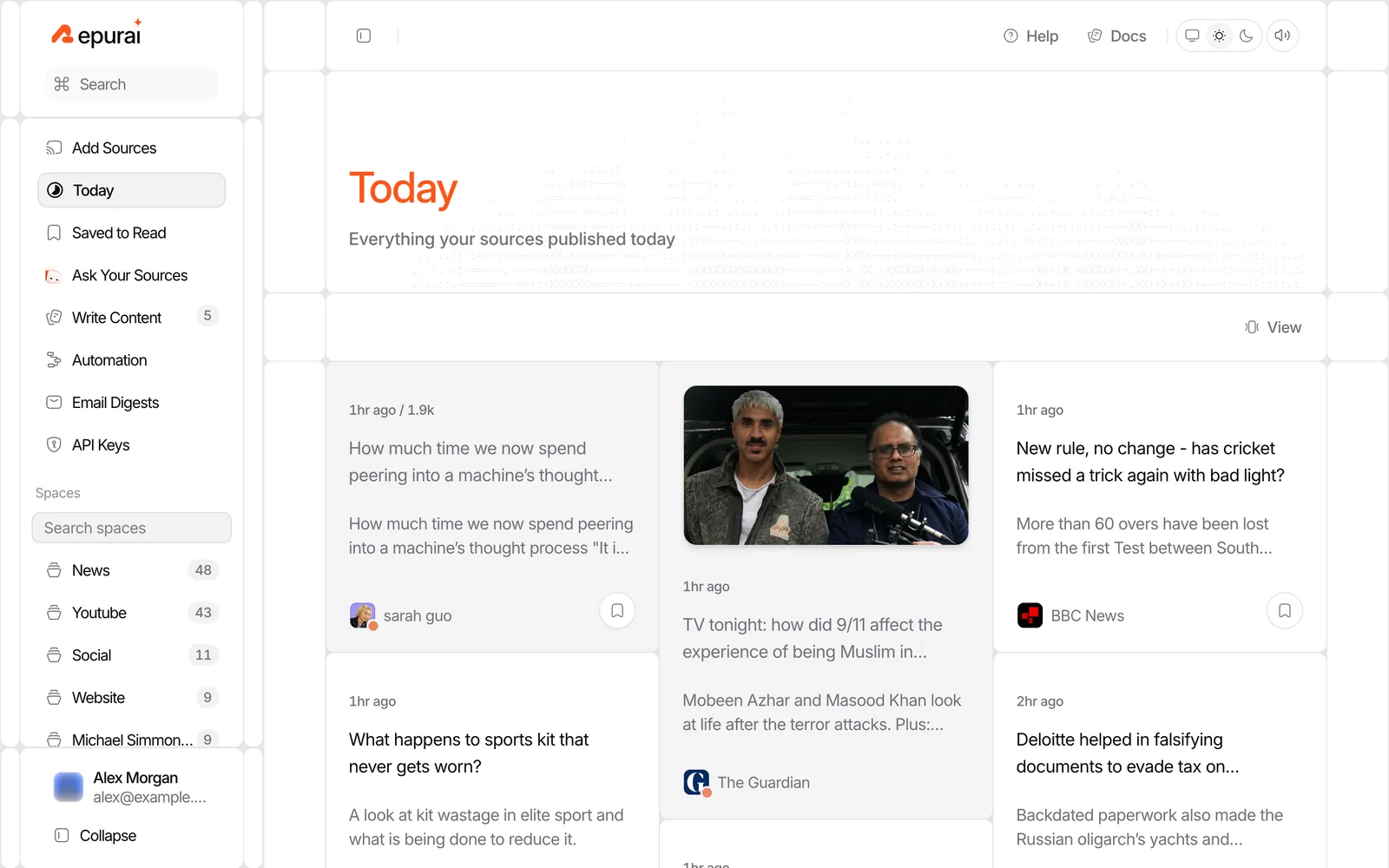
- Open Today and make sure the mix looks right.
- Add feed filters if recurring noise should be hidden everywhere, in one Space, or for one source.
- Create an API key in Developers.
- Use
/api/v1/posts/todayin n8n.
This is often more stable than hunting for feed links across many sites yourself.
Testing the workflow
Test in this order:
- Run the schedule manually.
- Inspect the raw items returned by each source or by
/api/v1/posts/today. - Check your date filter. Most digest bugs come from timezone mistakes.
- Send the summarizer only 2 to 3 items first, so you can verify the format.
- Send a test message to a private Slack channel or your own email.
- Add duplicate protection before you turn on the daily schedule.
If the digest feels noisy, the fix is usually upstream:
- remove low-signal sources
- hide repeated keywords with filters
- cap the digest length
- split one big digest into separate Spaces or separate n8n flows
API keys and limits
Use a dedicated API key for this workflow, store it in n8n credentials or environment variables, and do not hard-code it in nodes.
Repurai's REST API is available on Starter plan and above. Some automation features, webhooks and the private RSS feed also depend on plan, so check /pricing if you need those.
Be honest with limits in your design:
- APIs can rate-limit or fail temporarily
- long digests can hit token or message-length limits in your summarizer or destination app
- some YouTube videos have no captions, so transcript-based summaries are not always available
- summaries help you triage, but you should still check original claims before repeating them
A good fallback is: if summarization fails, still send the top links with titles and sources.
When this does not work
This workflow is not ideal if:
- you need coverage from private or paywalled sources
- you want exact article facts without checking the original posts
- you expect every video to have usable captions
- your source list changes daily and you do not want to maintain it anywhere
In those cases, keep the digest narrower and treat it as a briefing, not a final source of truth.
Variations
Once the basic flow works, you can adapt it:
- Email instead of Slack: better for a morning briefing you want to forward
- One digest per Space: one for AI product news, another for competitor tracking
- Team channel plus personal inbox: short Slack summary, longer email version
- Weekly roundup: same flow, larger date range and a tighter prompt
- Draft a post from one standout item: after the digest, send one chosen link into another workflow for writing
If you want a built-in scheduled digest without n8n, Repurai can also send email digests for chosen Spaces or feeds on a daily or weekly schedule, opening with an AI-written overview.
FAQ
Can n8n build a daily AI news summary without Repurai?
Yes. You can read source feeds directly, merge them, summarize them with an LLM step and send the result to Slack or email. It just takes more setup and maintenance.
Which Repurai endpoint should I use for a daily digest?
Start with GET /api/v1/posts/today to fetch the posts published today in your timezone. Then use POST /api/v1/ai/summarize if you want Repurai to handle summaries through the API.
What is the biggest mistake in an AI news digest workflow?
Usually it is poor source selection or bad date filtering, not the summarizer. If your inputs are noisy or your timezone logic is off, the digest will feel wrong even if the writing looks polished.
To set this up with your own sources first, start at /signup or, if you want the API route, read /docs/quickstart.